

Set Lists Are About What's Coming Next
Set lists in ChoirMate help you organize songs for upcoming performances and projects. Here's how to get the most out of them.
Organize Songs for Your Next Performance
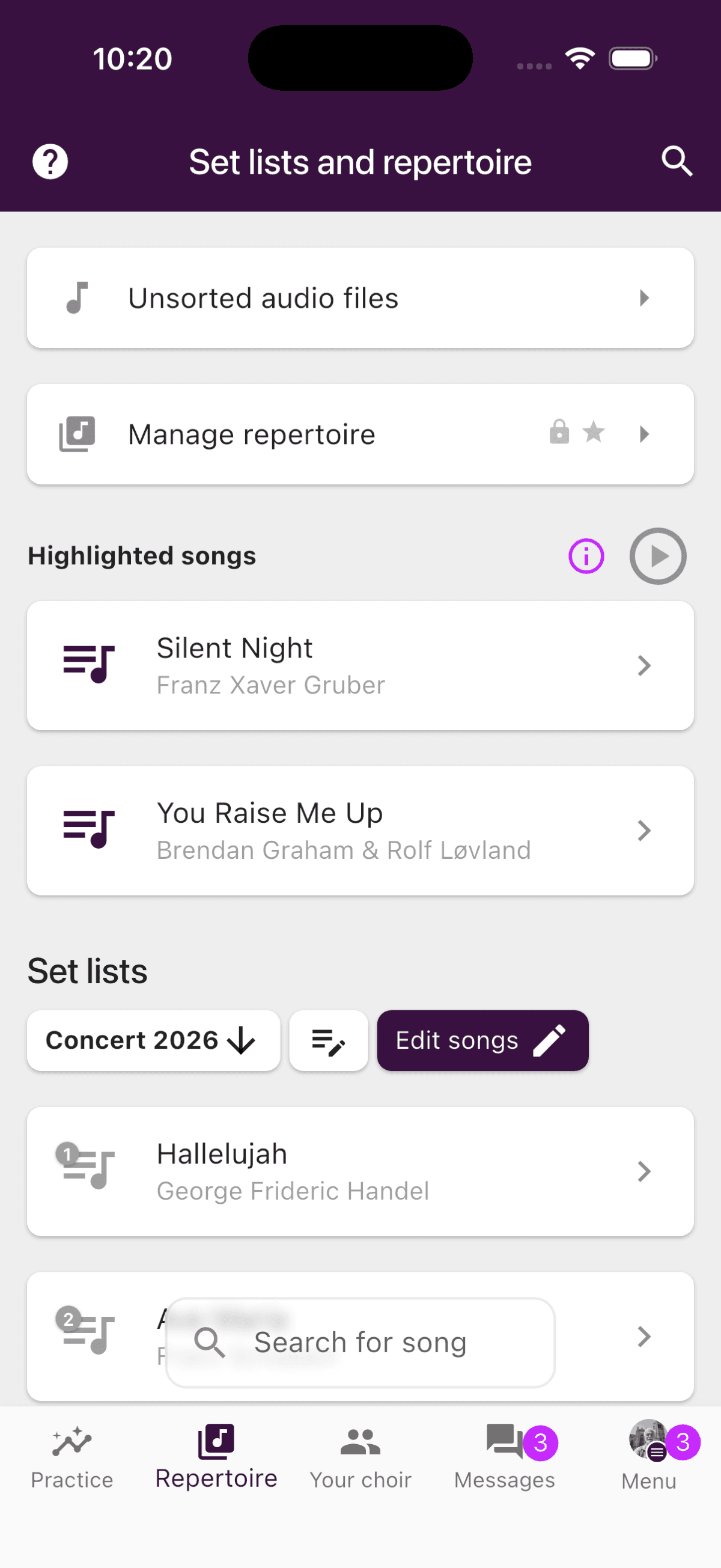
Think of a set list as a programme for a specific occasion. A spring concert, a Christmas show, a guest performance, or a workshop. You add the songs that will be performed at that event, ideally in the order they'll be sung.
When the event is over, you archive the set list. It disappears from the main view, but the songs remain in your repertoire, ready to be used again.
Keep Set Lists Focused
Set lists work best when they contain only the songs for a specific occasion. That makes it easy for singers to see exactly what they need to prepare, and the order makes sense because it mirrors the actual programme.
Focused set lists also give a faster and tidier experience in the Repertoire tab, making it easier for members to find what they need.
Find Any Song in Seconds
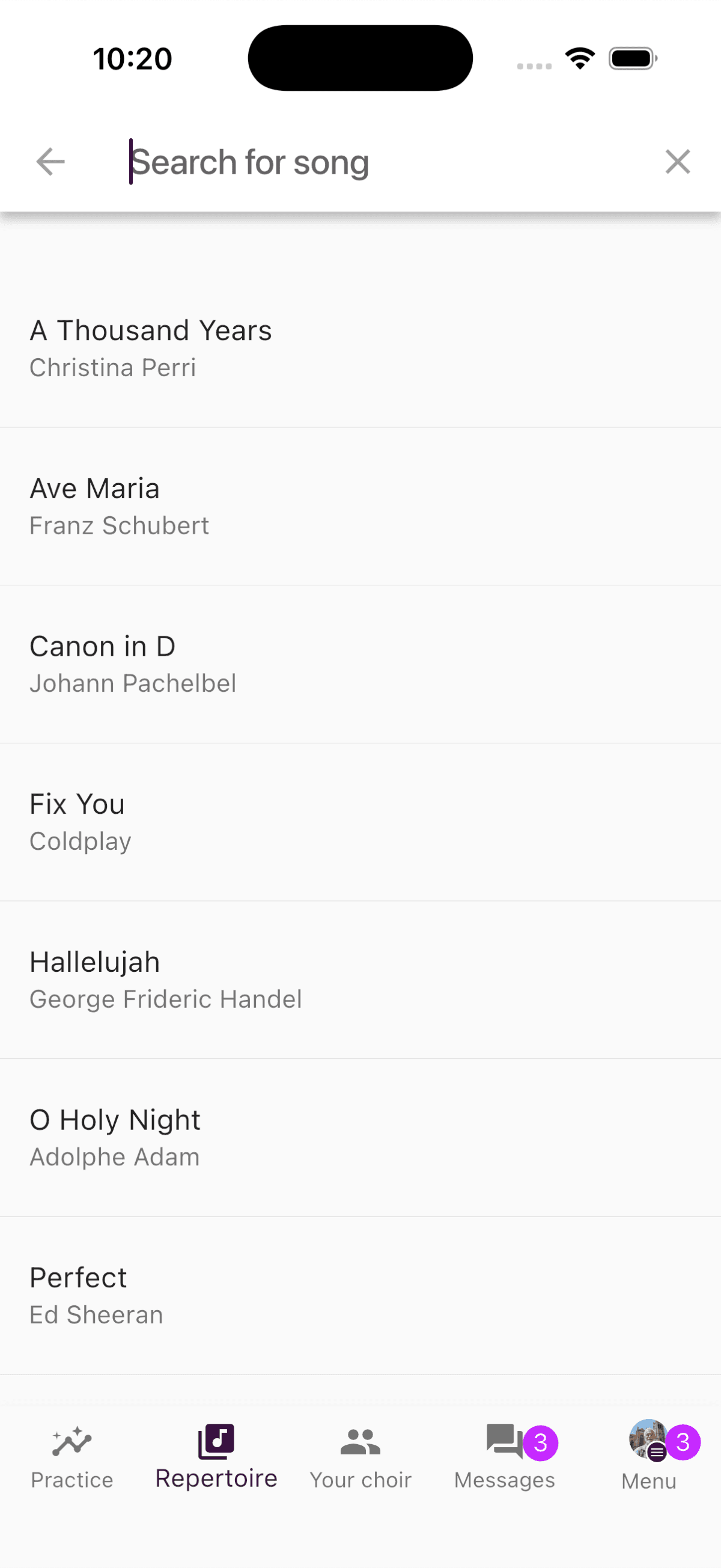
Even if you have hundreds of songs in your repertoire, any member can search for any song by tapping the search icon in the top-right corner of the Repertoire tab. Type the name, and you'll find the song instantly, regardless of whether it's in an active set list or not.
So you don't need a giant set list to keep track of things. Search takes care of that.
From Set List to Practice List
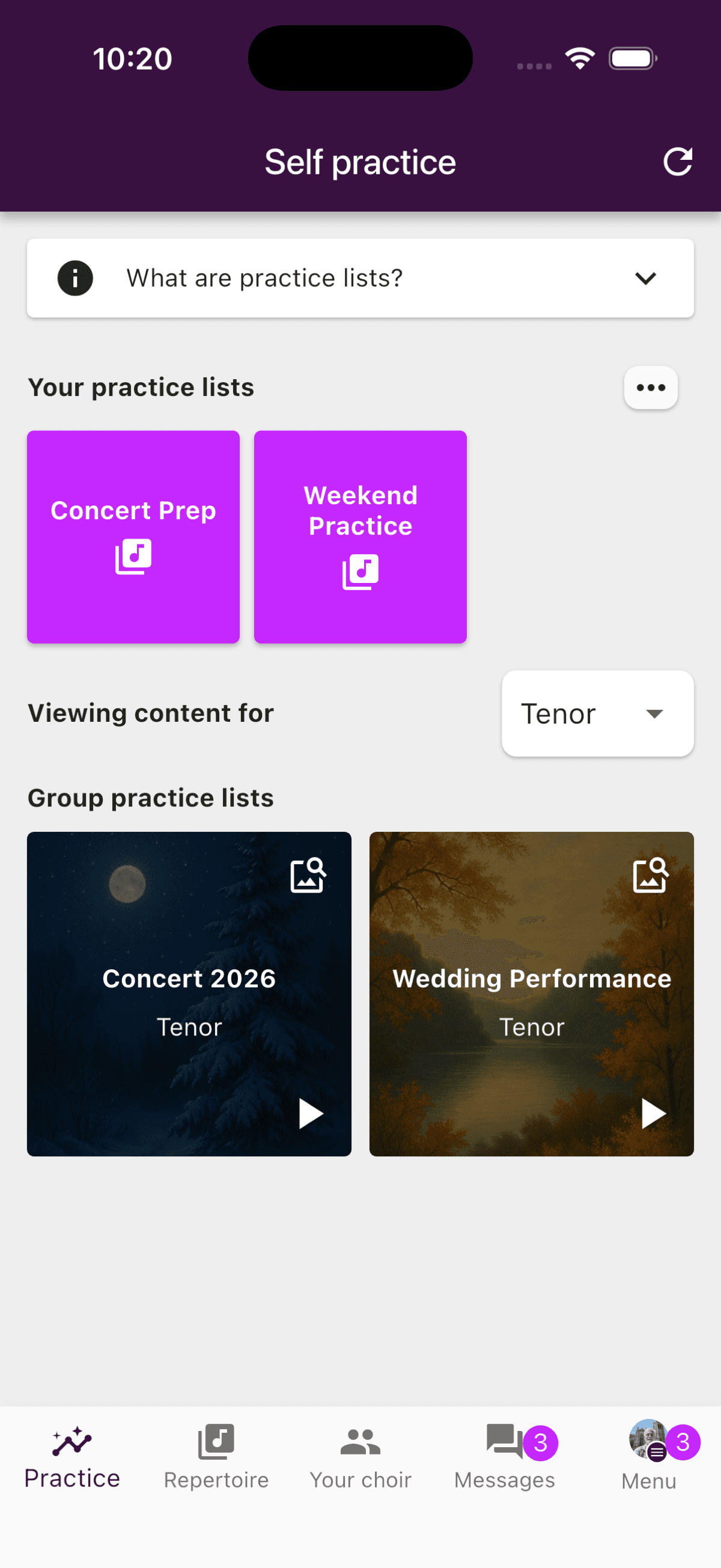
This is where set lists really show their value. When you add audio files to the songs in a set list and toggle them for the group practice list, a practice list appears under the Practice tab in the app.
That means your singers can listen to the songs continuously, just like a playlist. They can practice while commuting, taking a walk, or doing the dishes. Press play and practice through the entire concert programme in one go.
If your set list contains 8 songs for the spring concert, your singers get a practice list with exactly those 8 songs, in the right order. Not 50 songs they don't need to think about right now.
Recommended Workflow
Good to Know
Set lists are designed to organize songs by occasion, not to list your choir's entire repertoire in one place. If you find the Repertoire tab hard to navigate, or wish songs were sorted alphabetically, it might be a sign that a set list contains too many songs. Try splitting it into smaller, more focused lists tied to specific events.
Remember that all songs always live in the repertoire, regardless of which set lists they belong to. You can find them quickly using the search function.
Tips for Keeping Things Tidy
- ✅One set list per concert, project, or event
- ✅Put songs in performance order
- ✅Archive the set list when the event is over
- ✅Use the search icon to find individual songs quickly
Try It Yourself
Create a set list for your choir's next performance, add the songs in the right order, and enable the practice list. Your singers will thank you. Haven't tried ChoirMate yet? Get started for free.